How to get the best of your halloween marketing campaign
Halloween marketing has a very convenient failure mode: the campaign can look finished before anybody has decided what it is meant to do. Orange background, pumpkin, spooky type, done. Then the link sends people to a homepage where the Halloween product is somewhere below six unrelated banners.
There are five days between October 26 and Halloween. A small shop does not need a complicated campaign architecture for that. It needs to decide what people should notice, and what happens when somebody actually wants it.
One offer is probably enough
“Everything for your perfect spooky season” sounds broad because it is. A box of six Halloween pastries available for collection on Saturday is a much easier thing to understand. There is a product, a date, a way to get it, and an obvious reason to post now.
A service business can make this work too, although the fake urgency gets painful quickly. A real number of appointment slots before the weekend is useful information. A software subscription that mysteriously becomes unavailable at midnight and reappears with the same discount on Monday is a less convincing ghost story.
Choose one action for the campaign. Orders, reservations or visits to a particular product page. Engagement can tell you whether a post caught attention, but likes do not quietly become paid orders while nobody is watching.
The picture should answer something
A costume post can show the full outfit and then the details people worry about buying online. A food post can show what is actually in the box. A venue can show the entrance, because finding a dark side door in a costume is apparently part of the premium experience now.
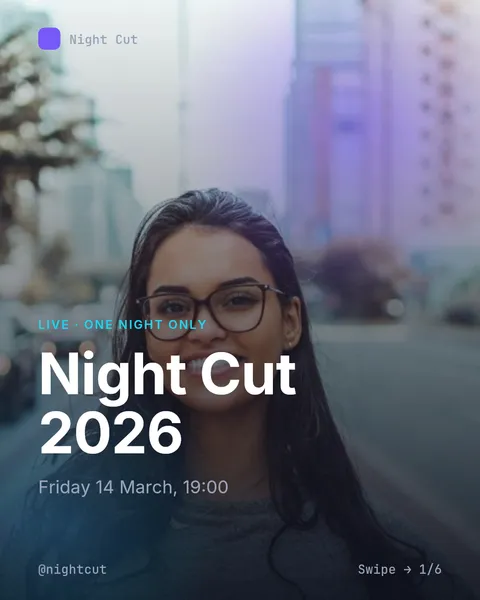
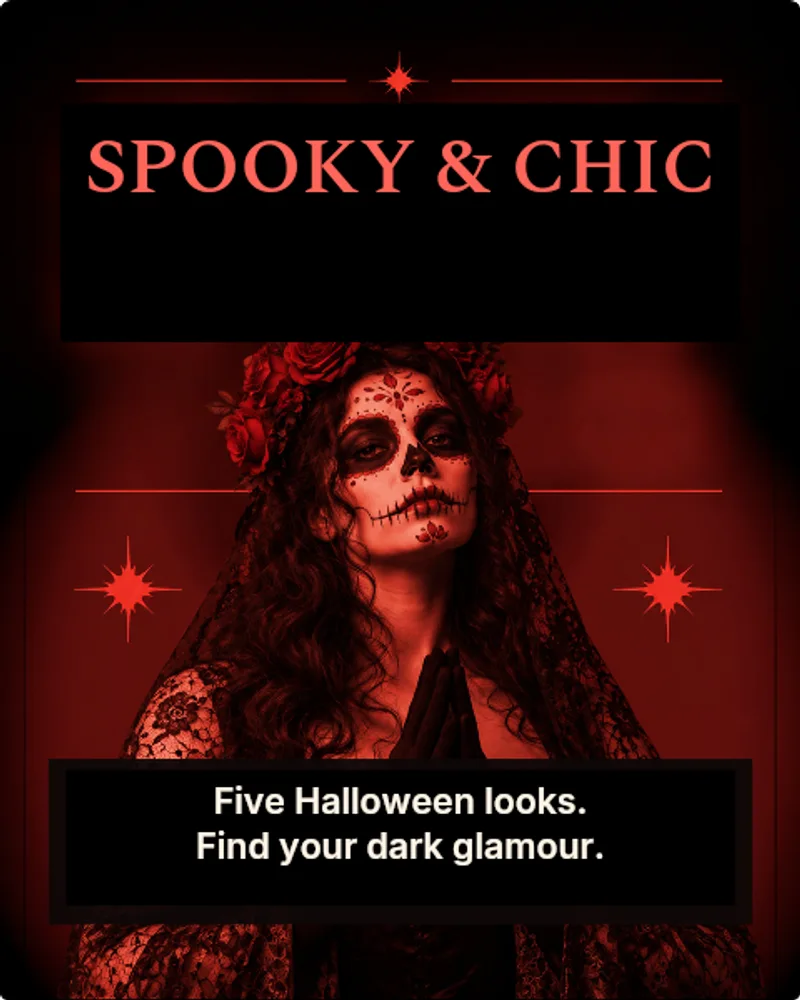
Our Spooky & Chic template uses a black-and-red editorial treatment. It makes sense for an outfit selection or a more dramatic product collection, provided the product is still the easiest thing to see.
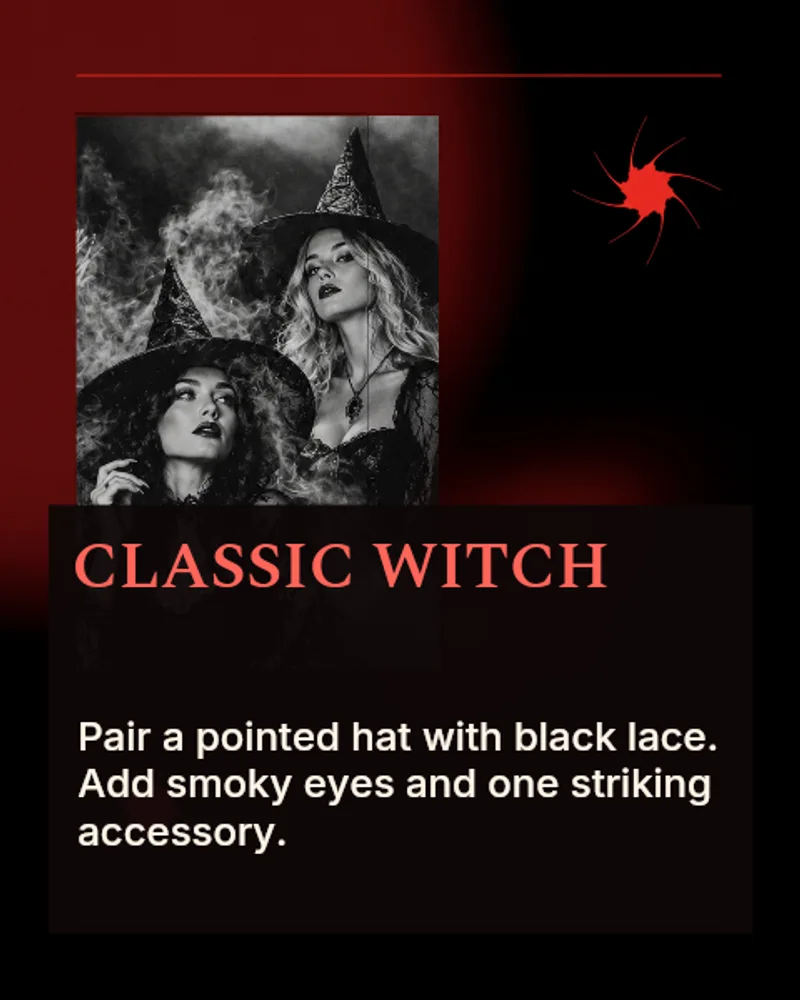
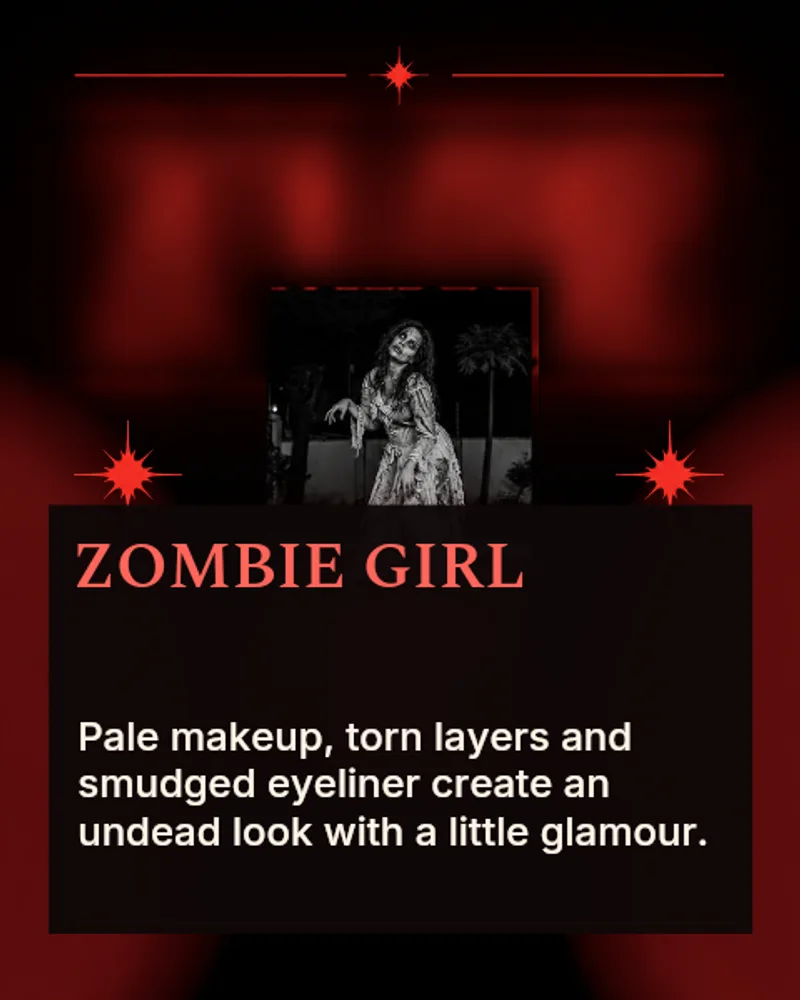
The Halloween templates are a starting design, not a reason to keep every decorative element. If the headline disappears into the photo, change the photo or the headline area. A template is allowed to be edited. Quite a lot, actually.
The useful post can come before the offer
A costume checklist, a recipe people can finish after work, or a guide to getting ready for trick-or-treaters gives somebody a reason to open the account without already wanting to buy. The connection to your product should still make sense. A stationery shop showing a handwritten party invitation fits. A stationery shop suddenly explaining horror-film lore for nine slides is a more questionable detour.
Google's Halloween search update for 2026 mentions interest in seasonal drinks and nostalgic films. Useful clues, but these are search signals, not a forecast of how many orders your campaign will get. The audience of a local café can be very different from everybody searching Google.
There is also a less dramatic version of Halloween. Hallmark's 2026 seasonal report gives space to playful family celebrations. It is a retailer's view of the season, obviously, but it is a useful reminder that every brand does not need to become a fake crime scene for a week.
The last five days, without making a second full-time job
On October 26 or 27, show the thing and explain the offer. Give it a proper destination. On the following day, answer whichever question people actually asked, even if it is the boring question about collection times. A useful carousel can sit between those posts. The day before your real order deadline, remind people what that deadline is.
There might be a behind-the-scenes post in there if something worth showing happens. There does not have to be. Publishing twelve variations of “nearly Halloween!” is a substantial amount of work for very little new information.
Before Halloween trick-or-treaters arrive is one of the layouts in our collection. Its checklist structure works for getting a house or a small event ready. For a commercial post, replace the example checklist with the details your own customer needs.
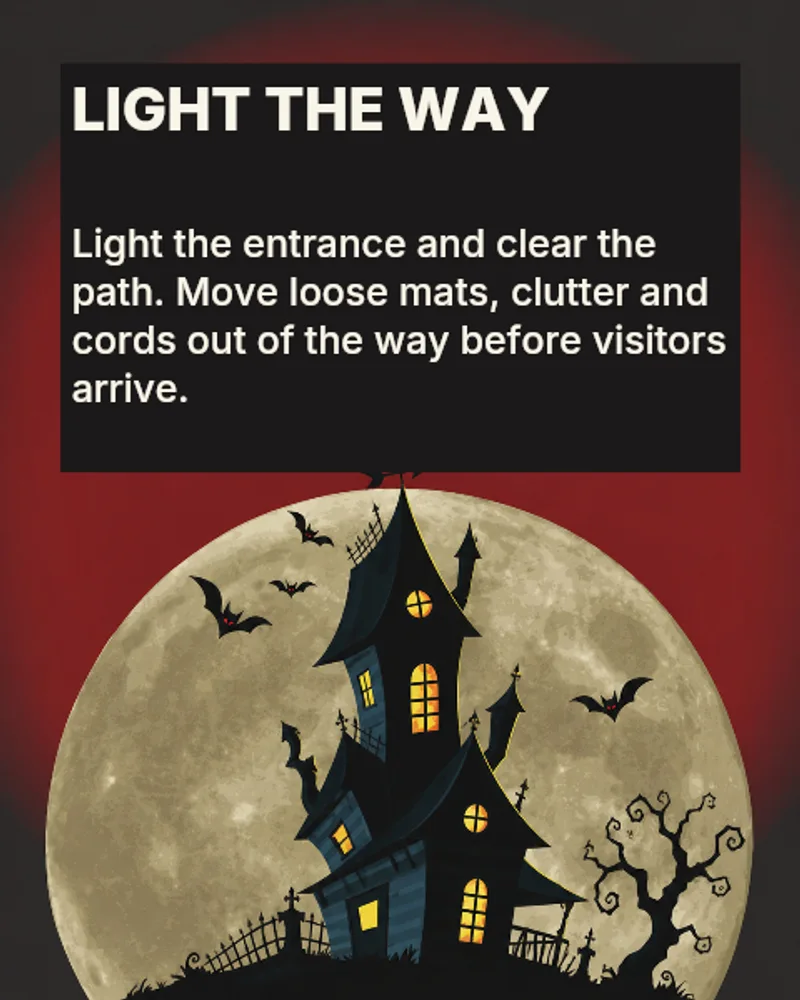
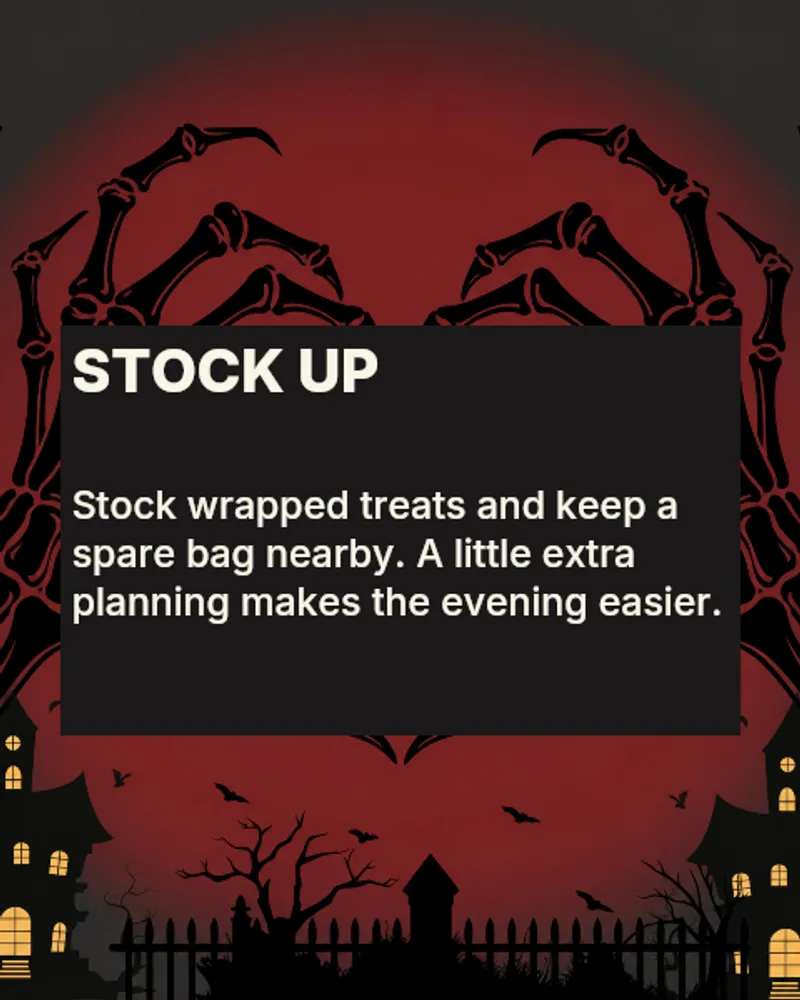
No need to pretend the sample text is a customer story. These are template previews. Your address, opening hours and photos still have to come from you.
Click the entire journey once
Open the post on a phone, follow the link, choose the product, check whether the basket keeps it. If payment is part of the campaign, run the checkout checks your payment provider supports. Read the confirmation message as well. An offer for Saturday collection that sends a confirmation saying “delivery in 5–7 days” has created work for customer support before the first pastry is baked.
Campaign links can carry a simple UTM label so visits from the Halloween posts are recognisable in analytics. Keep the same naming across the week. The useful comparison is between people arriving and people completing the action, rather than between two screenshots of the view counter.
Paid promotion does not repair a broken destination. It buys more opportunities for people to discover it.
November 1 still exists
Write down what was sold, what people asked and what caused trouble while it is still fresh. A sold-out product can mean the campaign worked, or that you made eleven of them. Both can be fine, but they are different things to learn from.
Keep the good photos and the copy that people understood. Remove the expired offer. Next October is going to arrive somehow, and starting with a folder that contains your actual results would be quite pleasant.
It feels good to have your first carousel going viral 😏
Just your idea, click-clack and voila! ViralityWand made just for that