TikTok & Instagram Trends Right Now
What is climbing now. No recycled trend report. Pick one and make the post.
Updated October 26, 2026 · Trend data refreshed October 26, 2026
Seasonal post ideas inspired by current search signals and our editorial picks. Sources are linked on each relevant card; these are not measured Instagram or TikTok rankings.
A costume reveal with ordinary pieces, substitutions and a finished outfit. Inspired by Google’s 2026 costume-search roundup.
Google Frightgeist 2026The early decorator, the last-minute costume and the friend who came for the sweets. An editorial post idea, not a measured platform trend.
Build a small watchlist around the mood of the evening. Google reports continuing search interest in nostalgic Halloween films.
Google Frightgeist 2026A short recipe or photo sequence using ingredients you actually have. Google highlights seasonal punch searches; use your own recipe.
Google Frightgeist 2026Friendly ghosts and homemade decoration for a family-friendly post. Adapted from Hallmark’s seasonal creative direction.
Hallmark 2026 seasonal reportA dark editorial outfit selection with clear full-length photos. A suggested interpretation of seasonal costume interest.
Google Frightgeist 2026Show the real decorations, preparation and seasonal products. An editorial behind-the-scenes angle for a small business.
Pumpkin painting, a handwritten invitation or a costume photo each year. Inspired by Hallmark’s family-focused seasonal ideas.
Hallmark 2026 seasonal reportAn anonymous, recognisable work problem told as a small horror story. Editorial idea: use fictional examples or get permission.
A compact photo journal of the party, the preparation or the slightly tired morning after. A creative idea, without invented reach claims.
We filter TikTok and Instagram for topics creators can actually use. Pick a rising topic and open it as a ready-to-edit carousel draft.
1. Browse the list. Filter by your niche if you’ve entered your email.
2. Spot a topic your audience would care about.
3. Tap "Make a Carousel" — it opens the editor with the topic pre-loaded, ready to turn into a carousel.
It feels good to have your first carousel going viral 😏
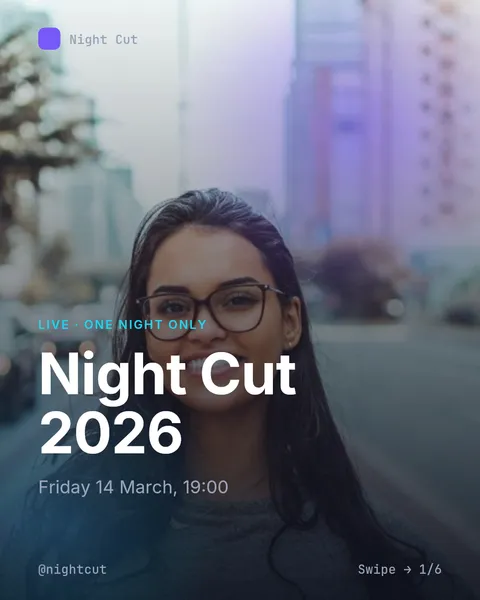
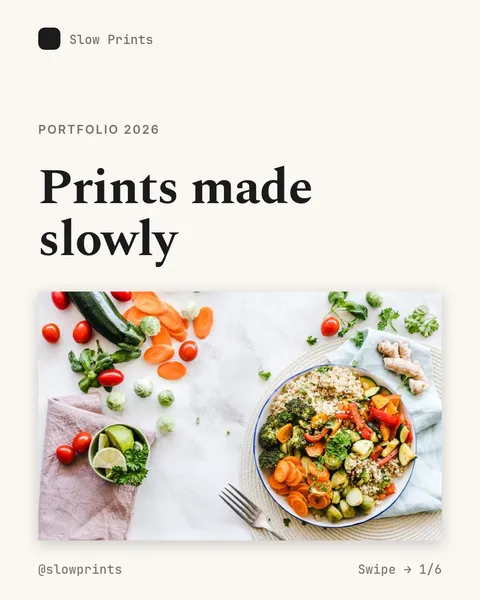
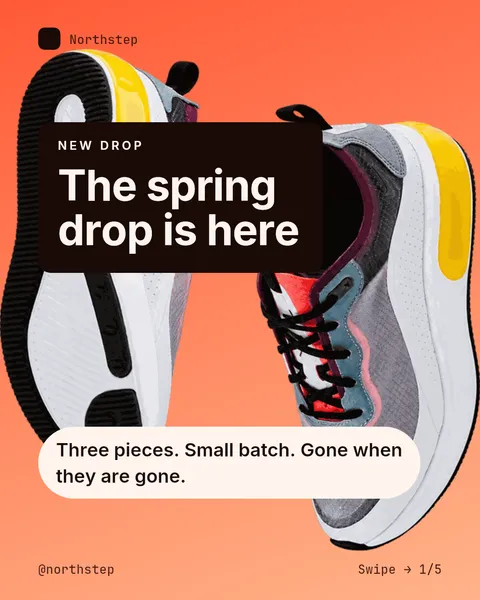
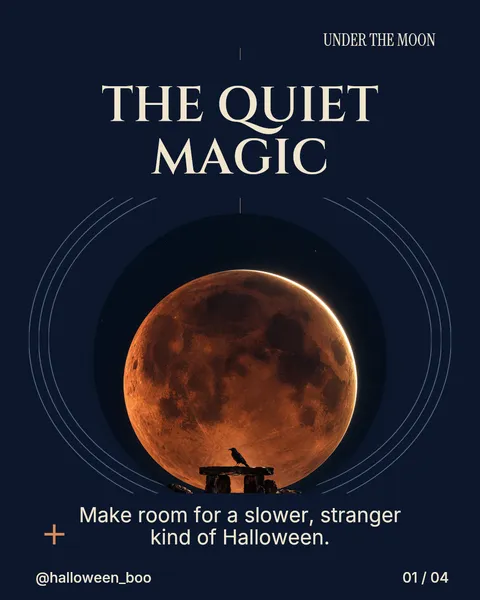
Just your idea, click-clack and voila! ViralityWand made just for that

FAQ
Is the full list really free?
Yes. Enter your email to see every trend, every filter, and past weeks. No credit card, no trial, no catch.
What happens when I tap "Make a Carousel"?
ViralityWand runs in your browser — nothing to install. Tap the link, the editor opens with your topic, you get a carousel. Works on mobile and desktop.
Can I find trends for my specific niche?
Yes. The full list lets you filter by 10 categories: health, fashion, food, business, tech, entertainment, lifestyle, education, finance, and comedy.
How fresh is this data?
We track both platforms’ trending pages, creator tools, and engagement signals. The date above shows exactly when this list was last pulled.
What is ViralityWand?
A web app that turns any text into a complete carousel post — hook slide, body slides, CTA, caption, and hashtags — in seconds. Create a free account; subscribe or top up to generate.
What does the carousel output look like?
You get structured slide text (hook, content, stats, quotes, CTA), a full caption, and 5 niche-specific hashtags. Upload a photo and get designed PNG slides ready to post directly.
Do I need to install anything?
No — ViralityWand runs entirely in your browser. Just open the editor and start. Works on mobile and desktop.
How are trends selected?
We browse both platforms and pick the topics with the most engagement momentum and content creation potential.
Yes. Enter your email to see every trend, every filter, and past weeks. No credit card, no trial, no catch.
Catch it before everyone copies it
Pick the trend. Make the carousel. Post while it still feels new.