01
Hook
You see hooks in almost every post. A hook grabs attention in the first second.
That's why we built a language engine that helps AI write like you.
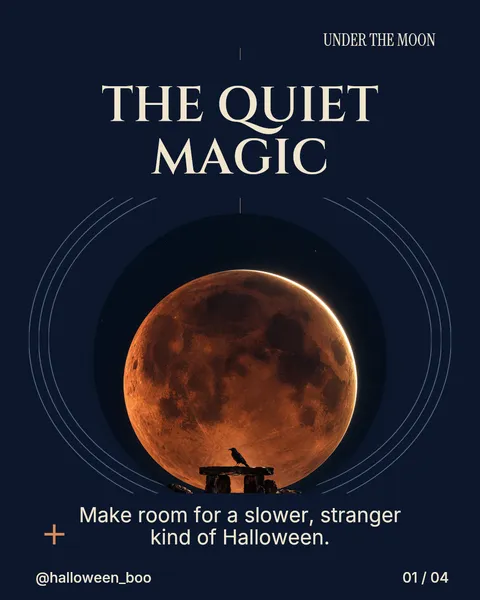
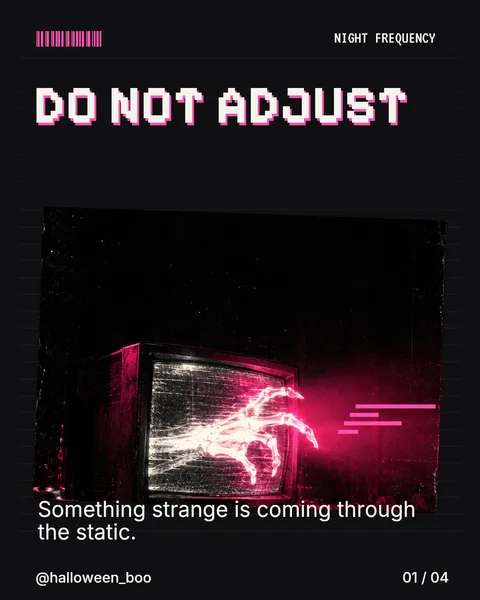
Ever wondered why beautiful, carefully styled carousels sometimes get no attention? Take a look.
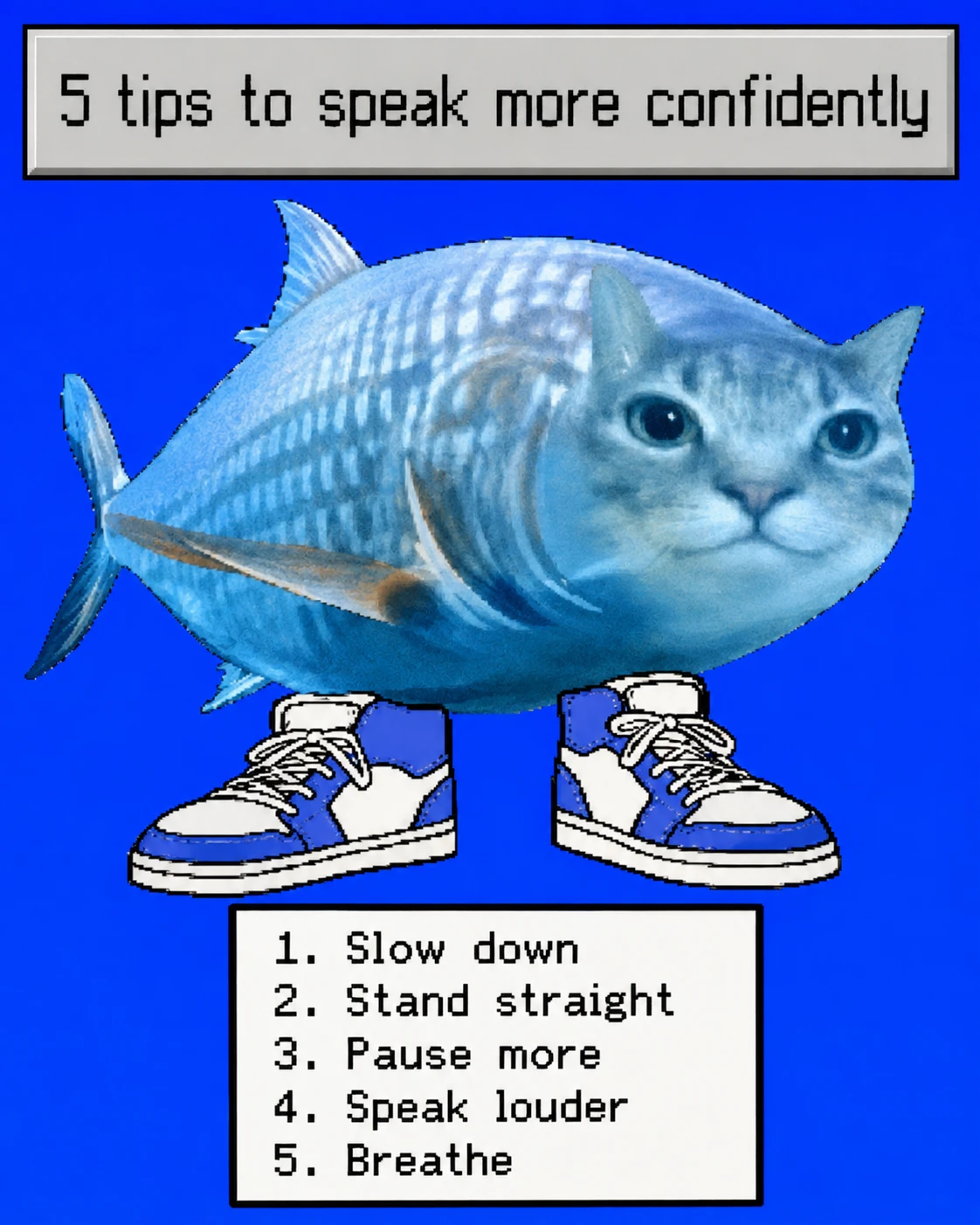
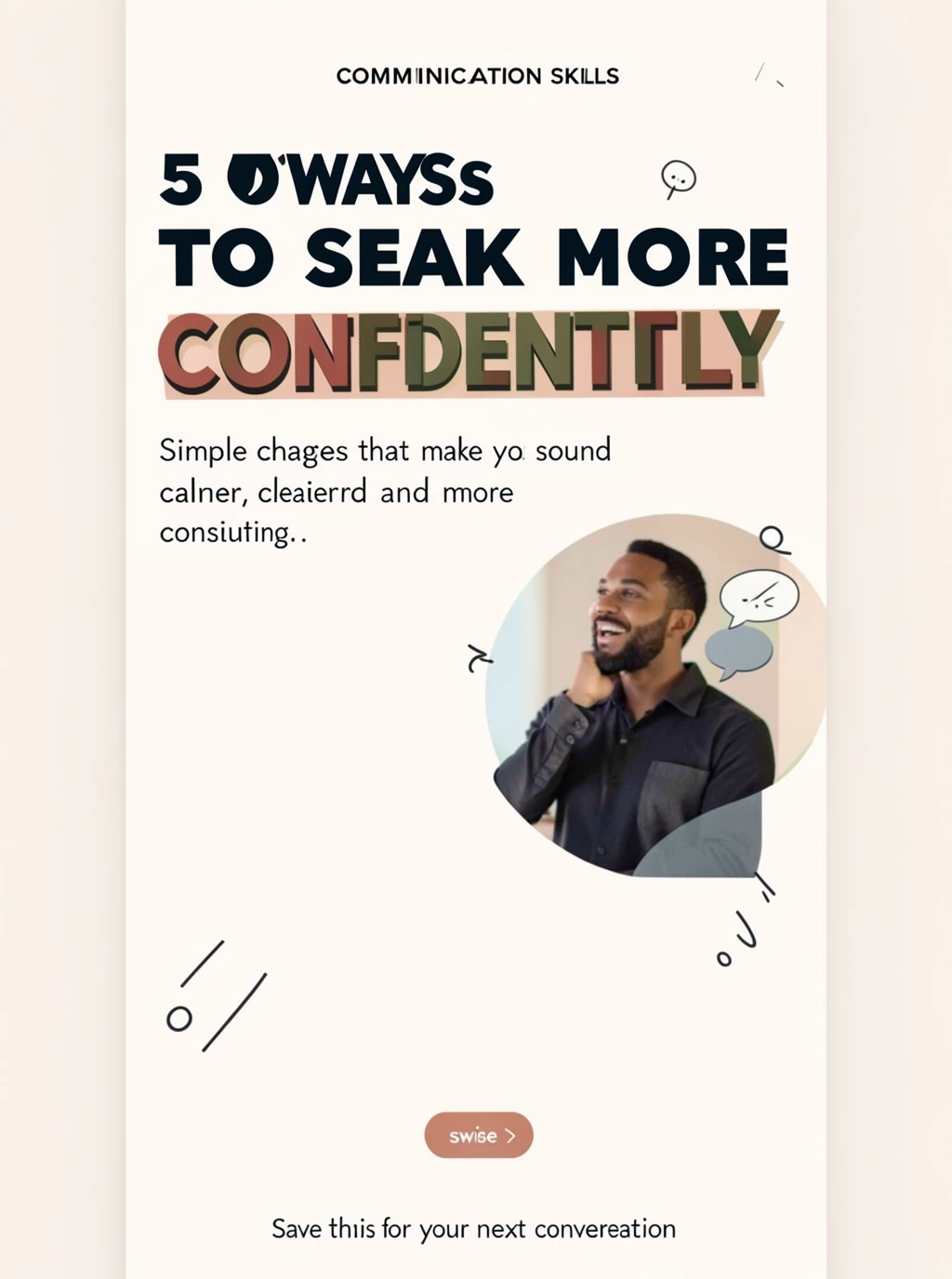
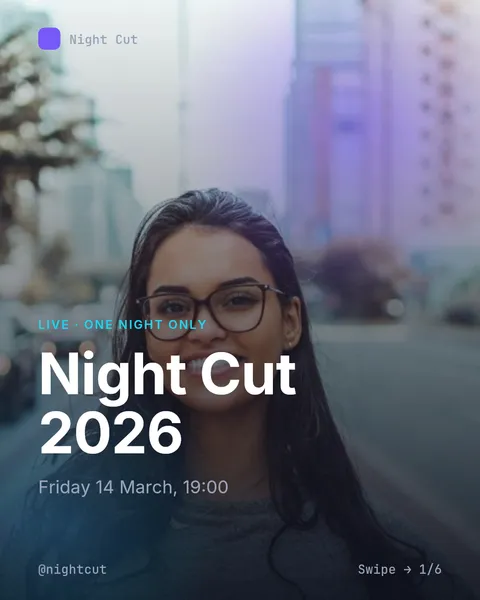
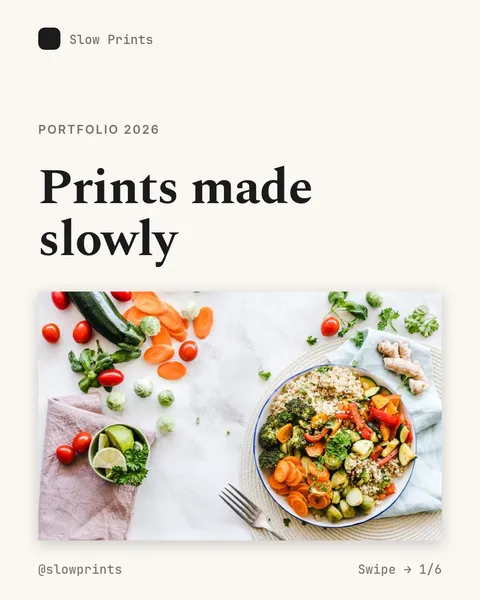
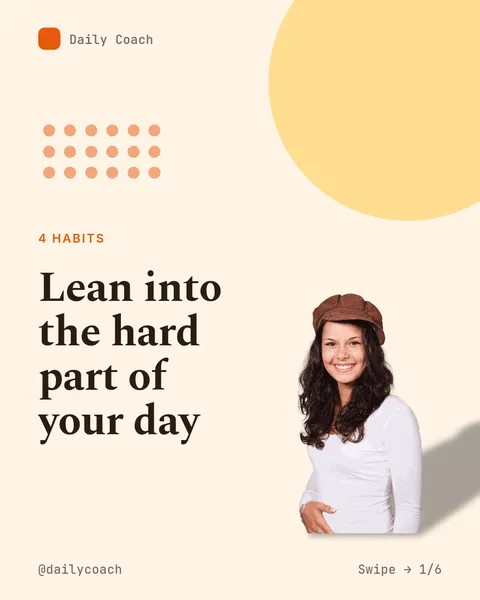
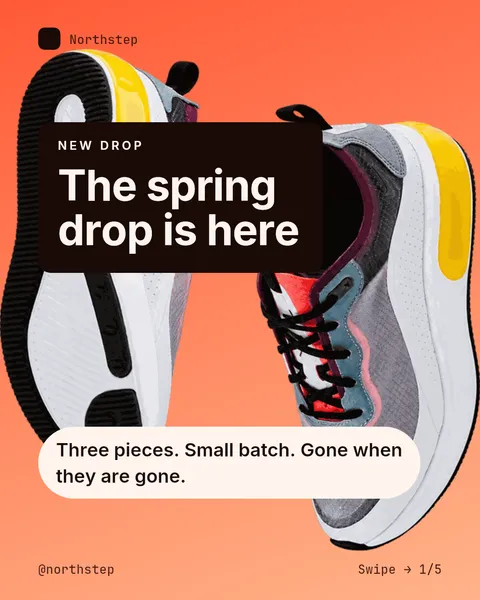
Illustrative
Why did the left one go viral? It has almost no design or style. The message and how it is told matter more than design. Viewers spot even a little laziness or dishonesty right away. What holds a post back is what it says and how it says it. That is exactly what our tool makes simple.
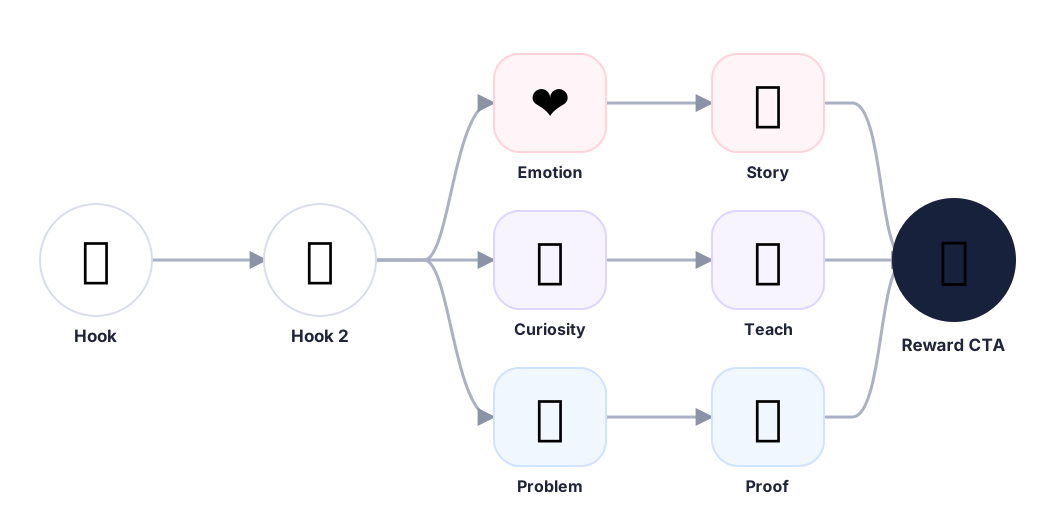
Why do some carousels get a handful of likes while others take off? The posts that work have a strong story structure. Every carousel gets a clear path from the first slide to the last, built around your topic and goal.
01
You see hooks in almost every post. A hook grabs attention in the first second.
02
Holding attention is harder than grabbing it, so we add a second hook. It promises the viewer that the rest is worth their time.
03
This is where it gets personal. We touch the want, pain, fear, or curiosity behind the topic.
04
One useful idea at a time. Easy to read, easy to follow, worth the next swipe.
05
A number, example, result, or honest comparison. Something that makes the point feel real.
06
The last slide pays the reader back with a takeaway or next step. Then the save or follow feels natural.
The first draft is just the start. Everything on the slide is yours to change.
Crop, reframe or erase part of a photo without leaving the editor.
Upload photos, find stock photos or make AI images, and keep them in folders.
Save your logo, fonts, colors and handle once. Pick a look and every slide follows it.
Drop in a new block and the AI writes text that fits your carousel. Or ask it to rewrite a line.
Keep carousels in projects, tag them, and see at a glance what is still a draft.
A clear warning shows when a slide is still waiting for its picture.
Just your idea, click-clack and voila! ViralityWand made just for that