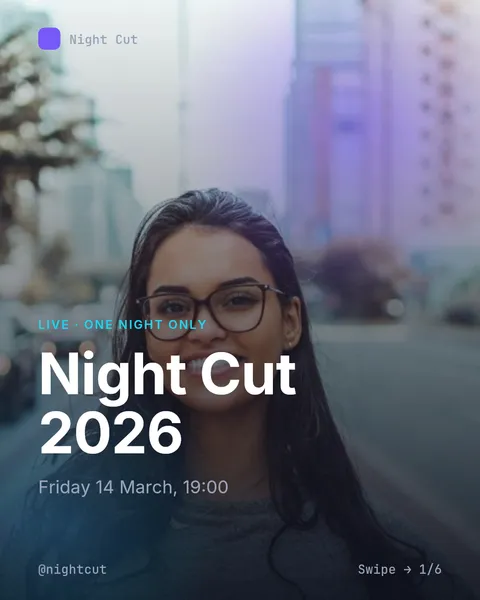
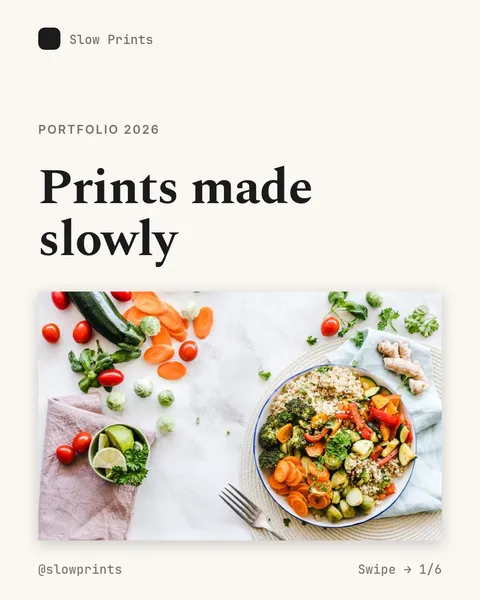
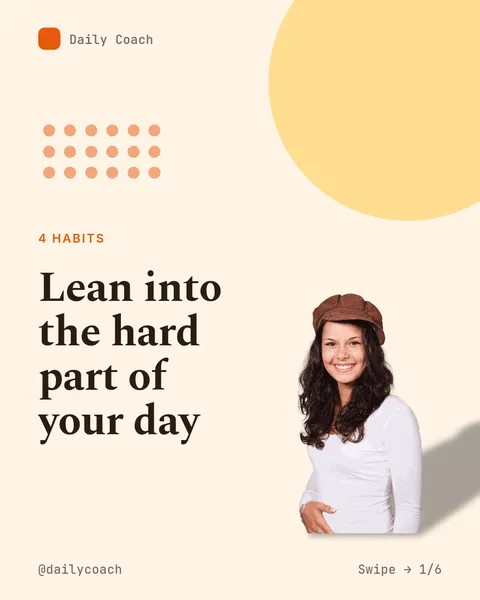
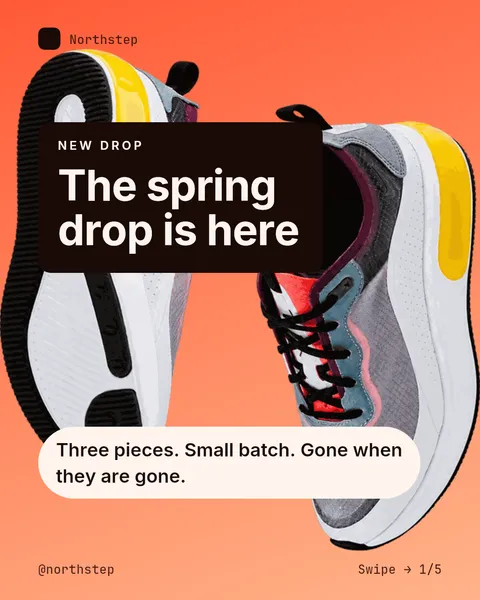
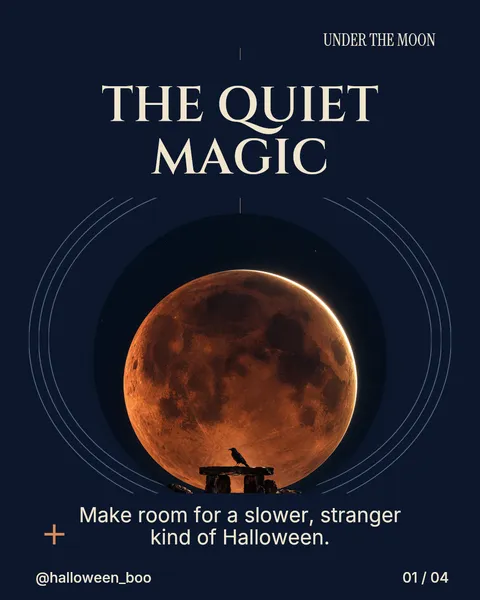
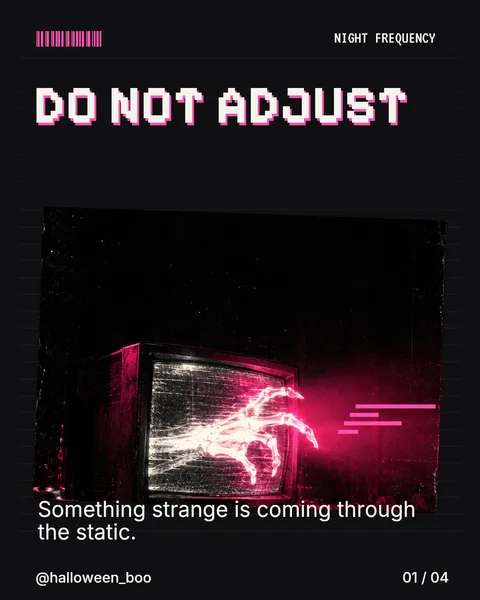
Free Instagram and Tiktok post templates for halloween 2026
Free template libraries can be weirdly expensive to understand. The cover is free, the nice photo is not, the export suddenly has a condition, and by the time the post is finished somebody has introduced a subscription. It is reasonable to want that explained before choosing a font.
Our published carousel templates are free to use. AI generation uses tokens, and the cost is shown before you run it. Free-plan exports include a ViralityWand watermark. Those are separate things, and calling the templates free should not make the rest of the product sound unlimited.
The Halloween templates page opens with the search already filled. It contains designs for Instagram carousels and TikTok photo posts, so the starting point does not have to be an empty text box and an instruction to somehow make it look good.
A post with pictures, rather than a video pretending to exist
A TikTok photo post and an Instagram carousel both give a reader a sequence of images. The pace is different from a video: the reader can stop on the slide with the useful detail, go back, or decide that slide one did not give them enough reason to bother.
That makes the cover fairly important. Put the subject there. “Three costume ideas from clothes you already own” tells somebody what the next swipe is for. “Enter a world of spooky inspiration” mostly asks them to trust that a subject will appear later.
A template controls the visual structure. Your choice of photographs, the accuracy of the text and the final platform preview are still your responsibility. The app cannot know that your event starts at seven unless you give it that information.
The Halloween designs are quite different from each other
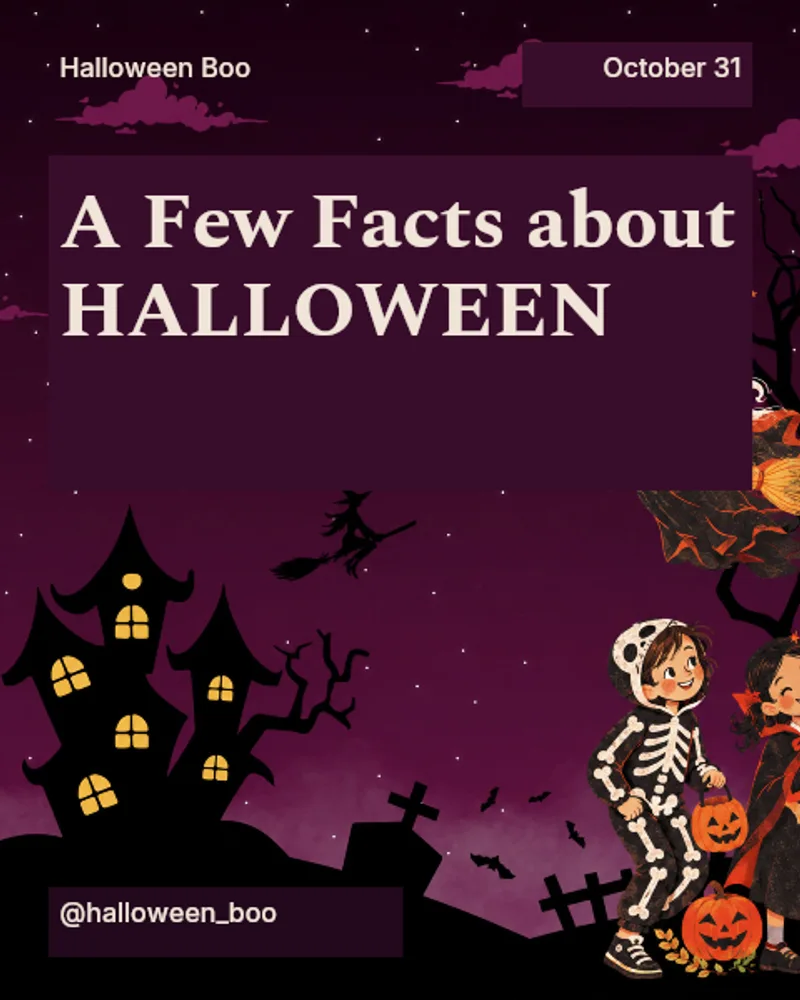
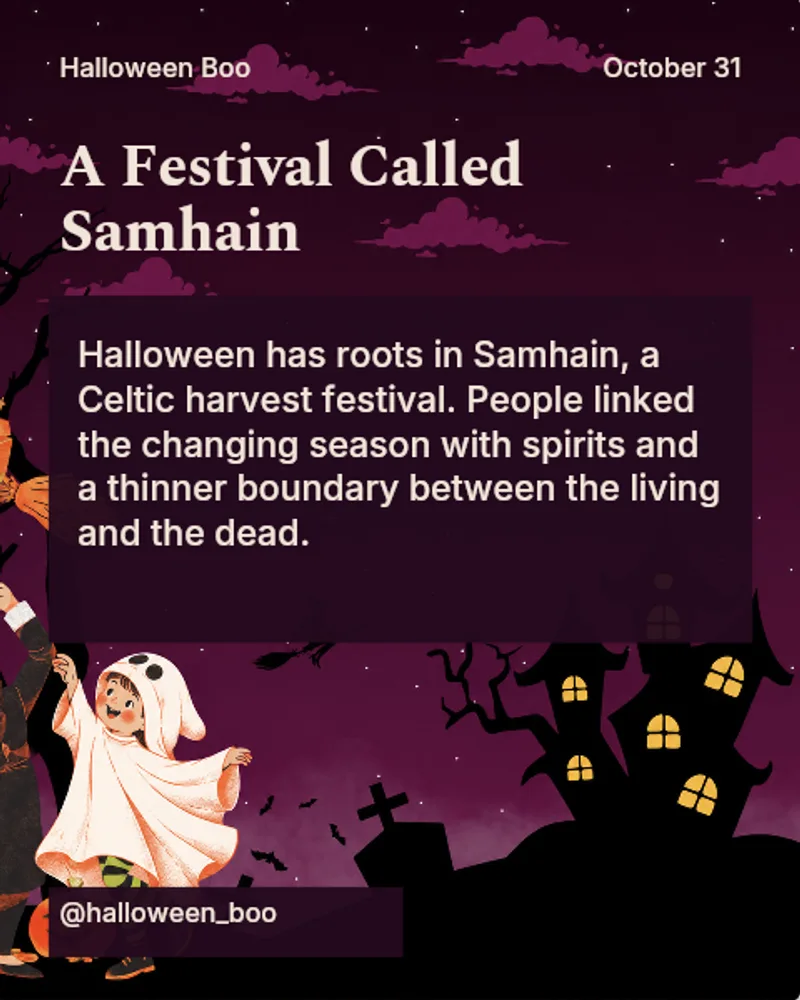
A Few Facts about Halloween is a plum-and-gold educational design with vintage illustrations. It is a reasonable place for a short piece about the holiday, assuming the facts have been checked. Three example slides from the actual template:
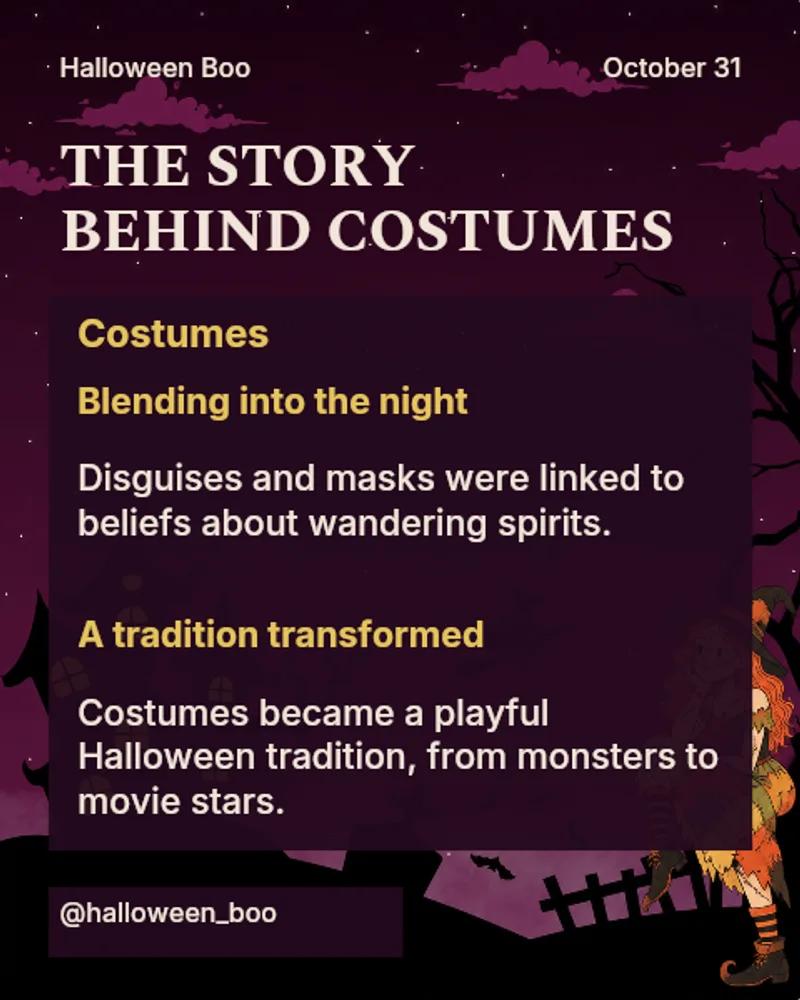
4 Easy Halloween Treats is softer and more like a recipe notebook. Spooky & Chic has a black-and-red editorial treatment for outfits or a dramatic product selection. For a less formal post, Halloween Days gives photos the scrapbook treatment. Choosing between them should mostly depend on the thing you are posting, rather than which cover looks loudest in a grid.
Signs you're in Halloween mode is one of the more direct seasonal designs. The red texture and silhouettes leave space for one observation at a time.
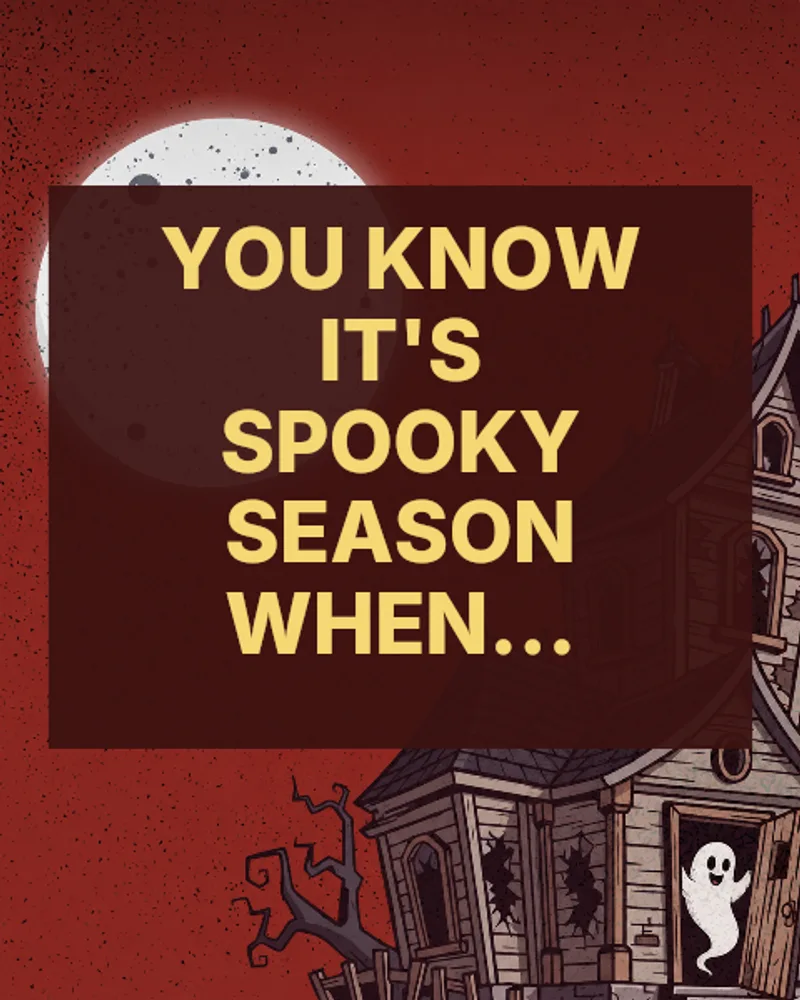
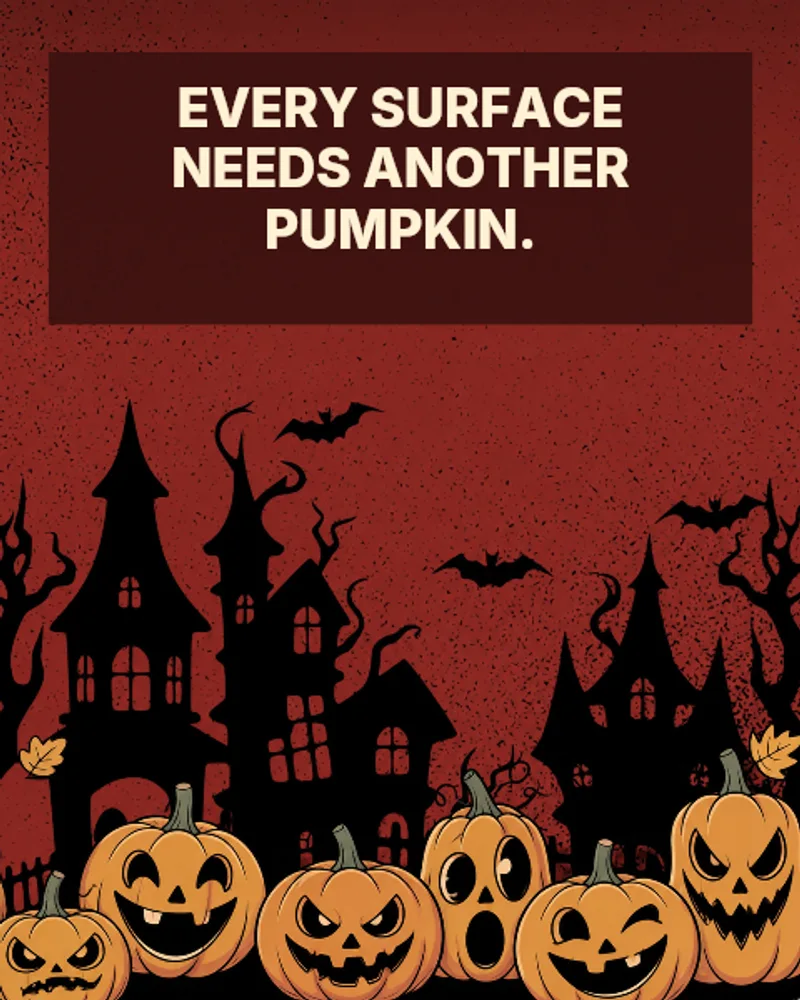
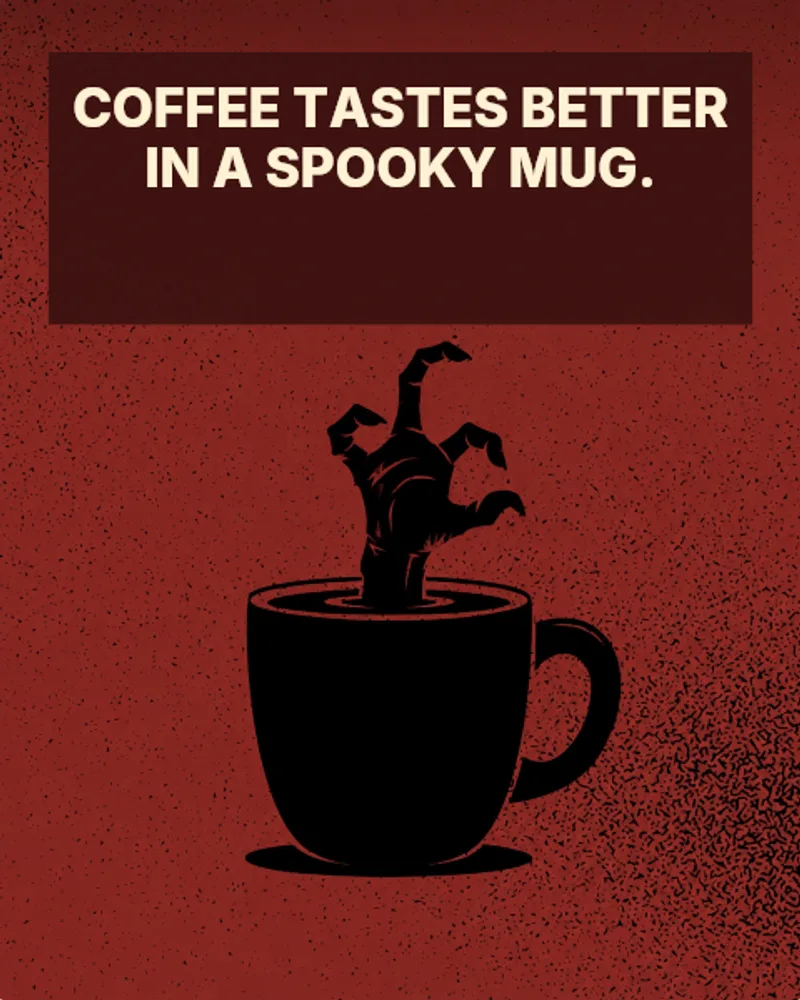
There are personality layouts too. Those are a better fit when people are meant to recognise themselves or send a particular slide to a friend. A checklist squeezed into a personality layout can work, but a proper checklist template is sitting a few cards away.
What goes into the smart part
Pick a template and give it a topic. The generation uses that design's structure to write the slides, rather than producing a paragraph and leaving you to split it into boxes. The output stays editable. You can change the words, swap an image, adjust colors or move things around before exporting.
A topic with actual constraints helps. “Halloween post for our café” is quite a lot of room for the system to fill with pleasant nonsense. “Four Halloween pastries, collection only on October 31, use only the names and prices below” gives it a job it can do without inventing your menu.
A short brief could be:
Make a Halloween carousel for our café using this template.
Use only the product names, prices and collection times below.
Do not invent discounts, ingredients or availability.
Keep one main idea on each slide.
If a detail is missing, leave it out.
Then add the real information. Read the result, including the final slide. The part where an AI adds “order today for free delivery” despite you offering collection only is exactly the sort of thing that needs to disappear before publishing.
Before the upload
Keep one consistent image size across the deck, leave breathing room around the text and look at the exported files on a phone. Small type that seems fine on a laptop can become decorative dust in the feed. TikTok's interface and Instagram's previews do not put every overlay in the same place, so check each platform rather than assuming the first upload proves both.
Use your own images or images you have the rights to use. Template artwork is not a licence for somebody else's costume photograph found through search.
The free Halloween collection is there when the idea is ready. Pick a structure, put the real details in, and leave enough time to notice the wrong opening hours before somebody turns up at the door.
It feels good to have your first carousel going viral 😏
Just your idea, click-clack and voila! ViralityWand made just for that