How to write a useful Halloween caption for your shop

A Halloween caption for a shop should help someone understand what is being offered. A spooky adjective cannot explain a collection deadline, what is in the box, or whether the photograph shows the actual product.
The fictional example in this guide is a bakery preparing a post about decorated cupcakes. The result is a caption and a short carousel outline ready for factual review. Product details below are placeholders until a real bakery confirms them.
1. Gather the details the reader needs
Write down the product name, contents, price, ordering method, collection or delivery arrangements, and relevant dietary information. Use confirmed information rather than asking a writing tool to fill the gaps.
For the example, the working note is: “Halloween cupcake box; contents [CONFIRM]; price [CONFIRM]; order deadline [CONFIRM]; collection [CONFIRM].” Those brackets are an internal checklist. They should never reach the published caption.
2. Choose images that answer a question
Start with a permitted photograph of the actual product. A second image might show the box contents; another could explain the ordering details. Use only as many images as the explanation needs.
Do not add a photograph of happy customers unless permission and context support it. Likewise, an illustrative image should not quietly become proof of what a customer will receive. If the decoration varies, explain the relevant variation honestly.
3. Write the practical caption before the seasonal line
A working structure is: “Halloween cupcake boxes: [confirmed contents]. Order by [confirmed date and time] for [confirmed collection arrangement]. [Ordering method and price].” Add dietary or other necessary details where they belong.
Once the information is correct, a small seasonal line can fit: “The ghosts are decorative. The collection deadline is fairly serious.” Keep it only if it suits the business. The joke must not obscure the actual deadline or turn into a claim about availability.
Avoid “selling out fast,” “everyone's favorite,” and invented customer quotations unless the business has evidence for those claims. A real deadline provides enough context without manufactured urgency.
4. Arrange the carousel around the caption
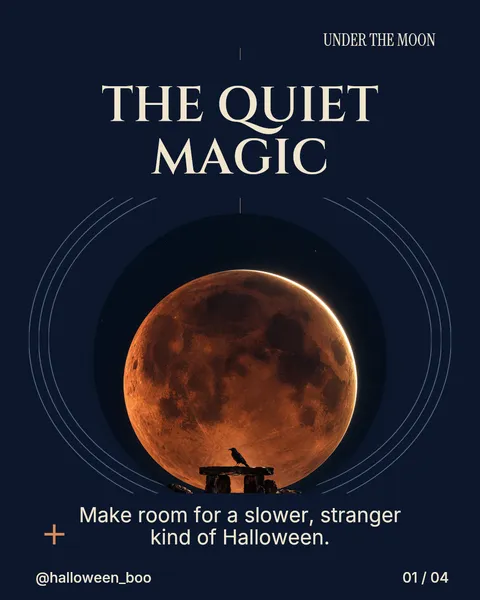
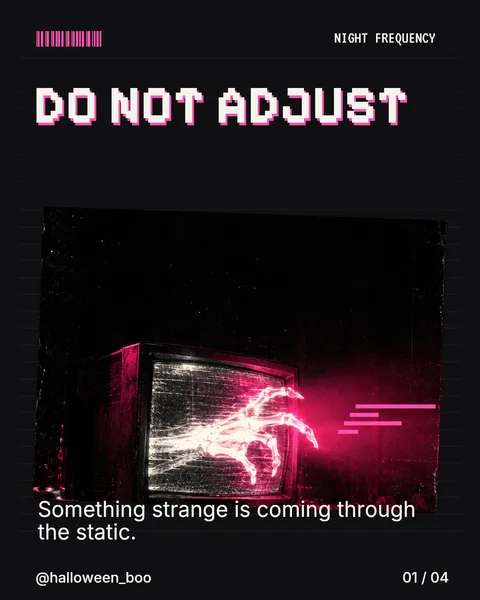
An illustrative four-slide plan is: show the product, explain the contents, state the ordering details, and show how to check or place an order. The final sequence should still make sense if the reader sees only the images.
ViralityWand can help turn the supplied copy into an editable carousel draft. Review names, amounts, dates, and conditions after drafting. If necessary information does not fit, shorten decorative wording or give the detail more space rather than hiding it in tiny text.
5. Check the real buying path
Open the order destination and compare it with the caption. Confirm that the product, price, availability, and collection arrangements agree. Check the export and the platform's upload preview before publishing.
If the offer closes or changes, update the information people may still find. A seasonal post can remain visible after Halloween; its wording should make the relevant date clear rather than leaving a reader to discover an expired offer at checkout.
Further reading: Caption Generator · Instagram Line Break Generator.
It feels good to have your first carousel going viral 😏
Just your idea, click-clack and voila! ViralityWand made just for that