How to adapt one useful idea across your November posts
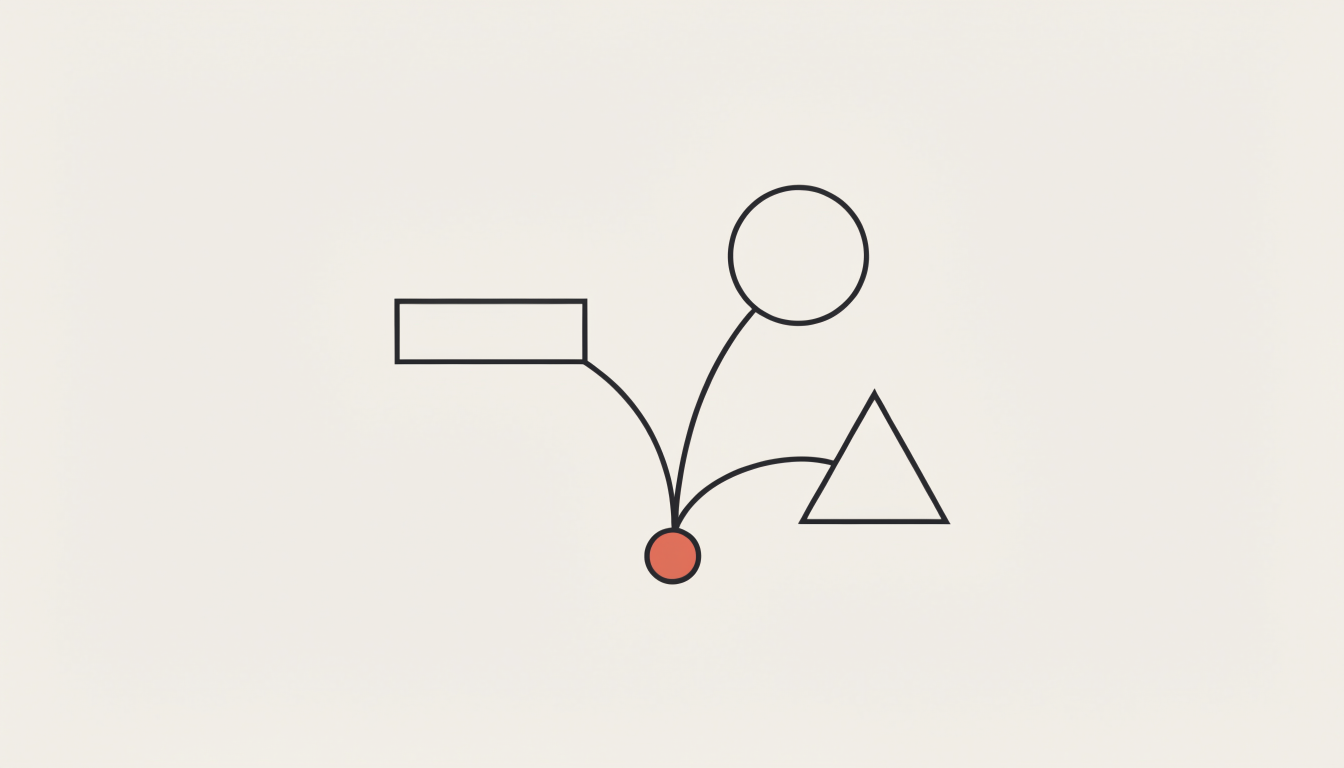
A smaller content plan can be useful when it gives each idea enough evidence and editing time. This guide uses an illustrative onboarding problem to prepare several related posts. It is a planning method, not a claim that fewer posts will increase reach.
For November 2026, choose a manageable task and leave room for actual audience questions. The finish line is a shared source brief, a few format-specific outlines, and a clear review plan.
1. Choose an idea with material behind it
Imagine a small software company has rewritten a confusing welcome email. The supplied material consists of a reconstructed old paragraph, a revised paragraph, and the reason for moving the setup link. This is an illustrative scenario, not a reported customer experiment.
The core idea is simple: keep the required action close to the link that performs it. There are no conversion figures in the brief, so the posts should not manufacture any.
2. Build the carousel around the visible difference
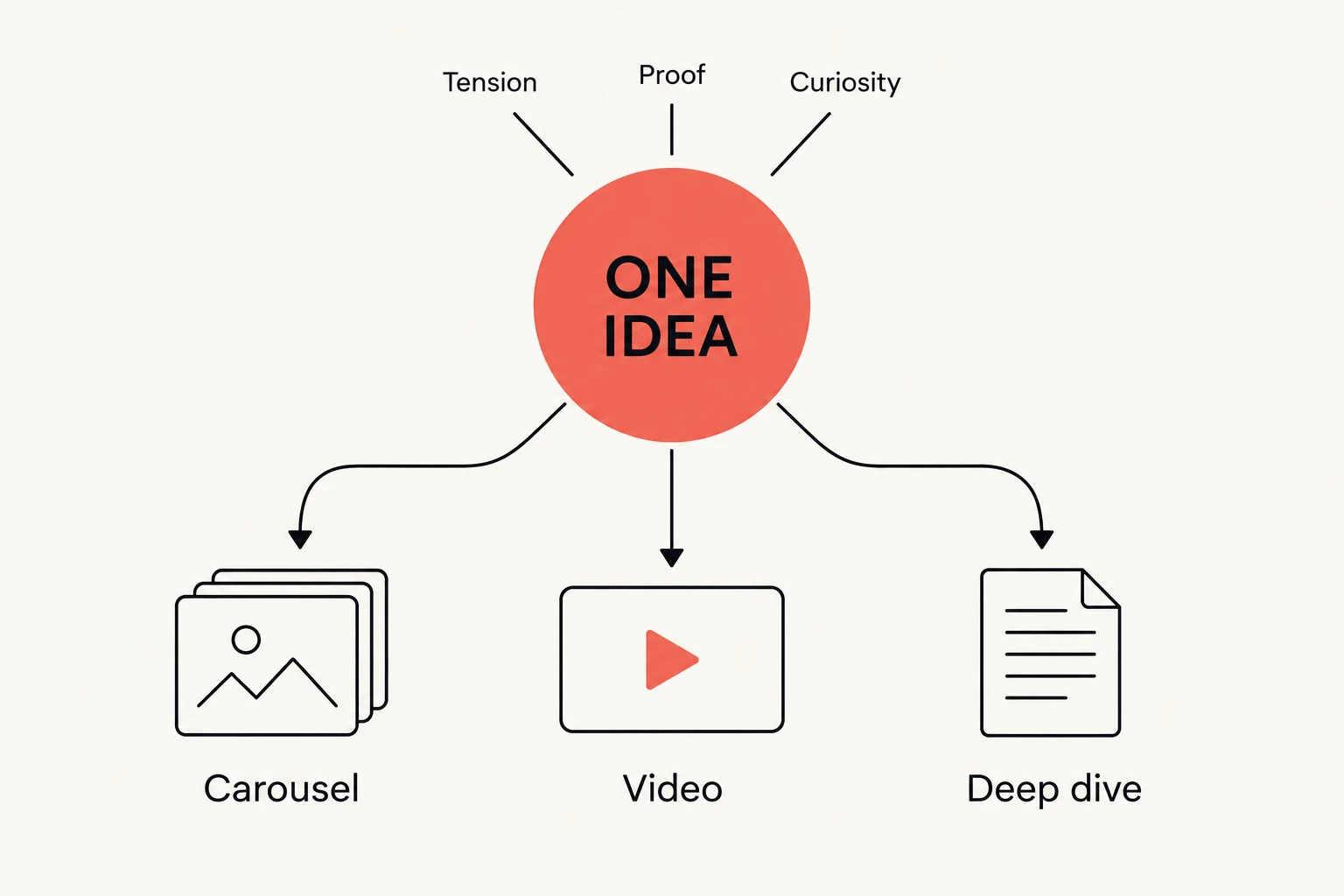
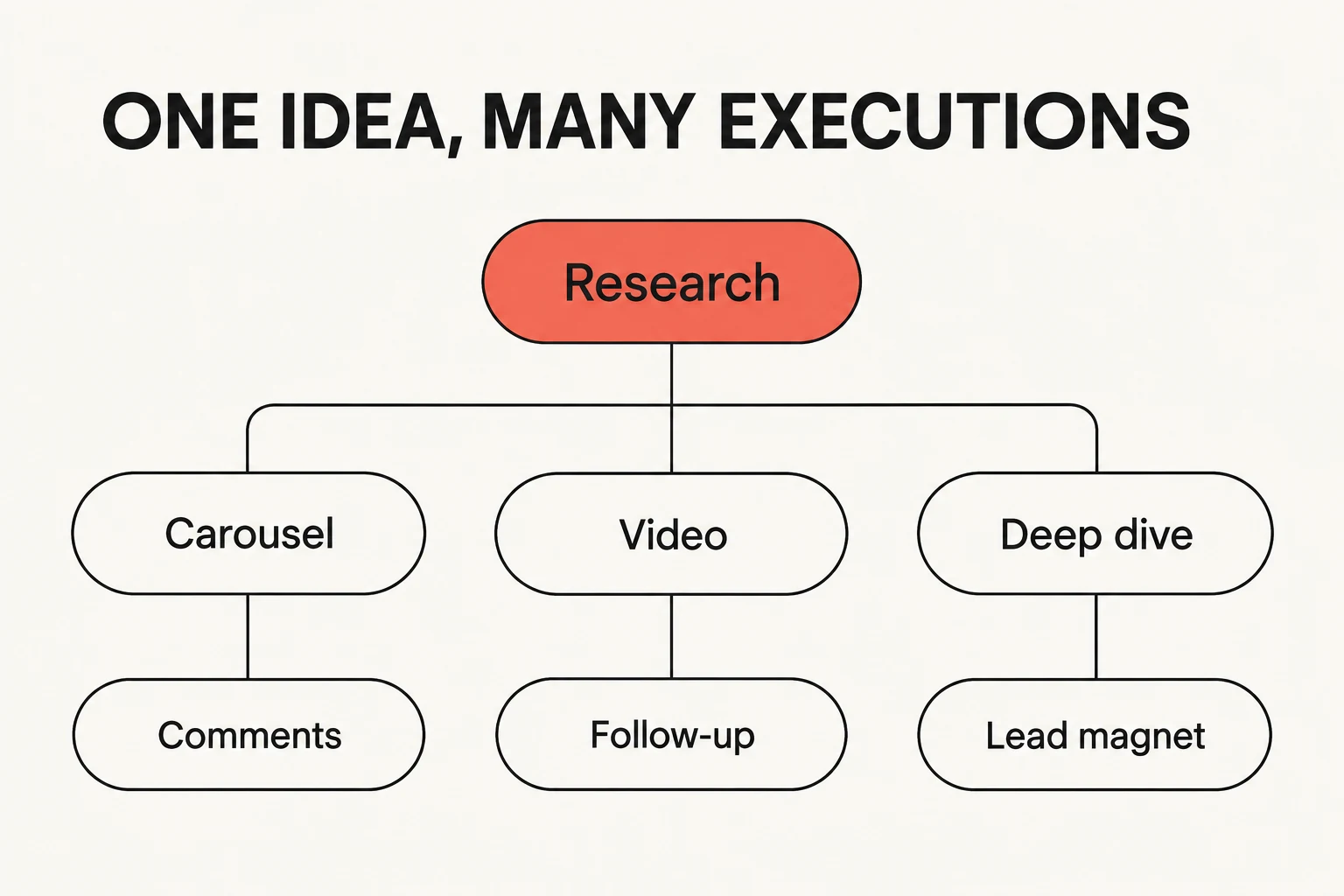
A carousel can show the original placement, explain the problem, show the revision, and finish with a check readers can apply to their own message. Make the useful answer visible inside the post.
ViralityWand can help draft and design the slides from that brief. Inspect the text against the source material and remove an invented quote or claimed uplift. Use a permitted screenshot or label a reconstruction clearly.
3. Adapt the explanation rather than copying the file
A short video can demonstrate the same difference by showing where the link appears before and after the change. A written post can spend more time on the tradeoff: shortening a message helps only if necessary context remains.
Each version should make sense without requiring readers to have seen the others. Do not assume a particular audience prefers a format or that a platform will reward it. Pick the presentation that makes the actual material easiest to inspect.
4. Offer a resource only when it continues the task
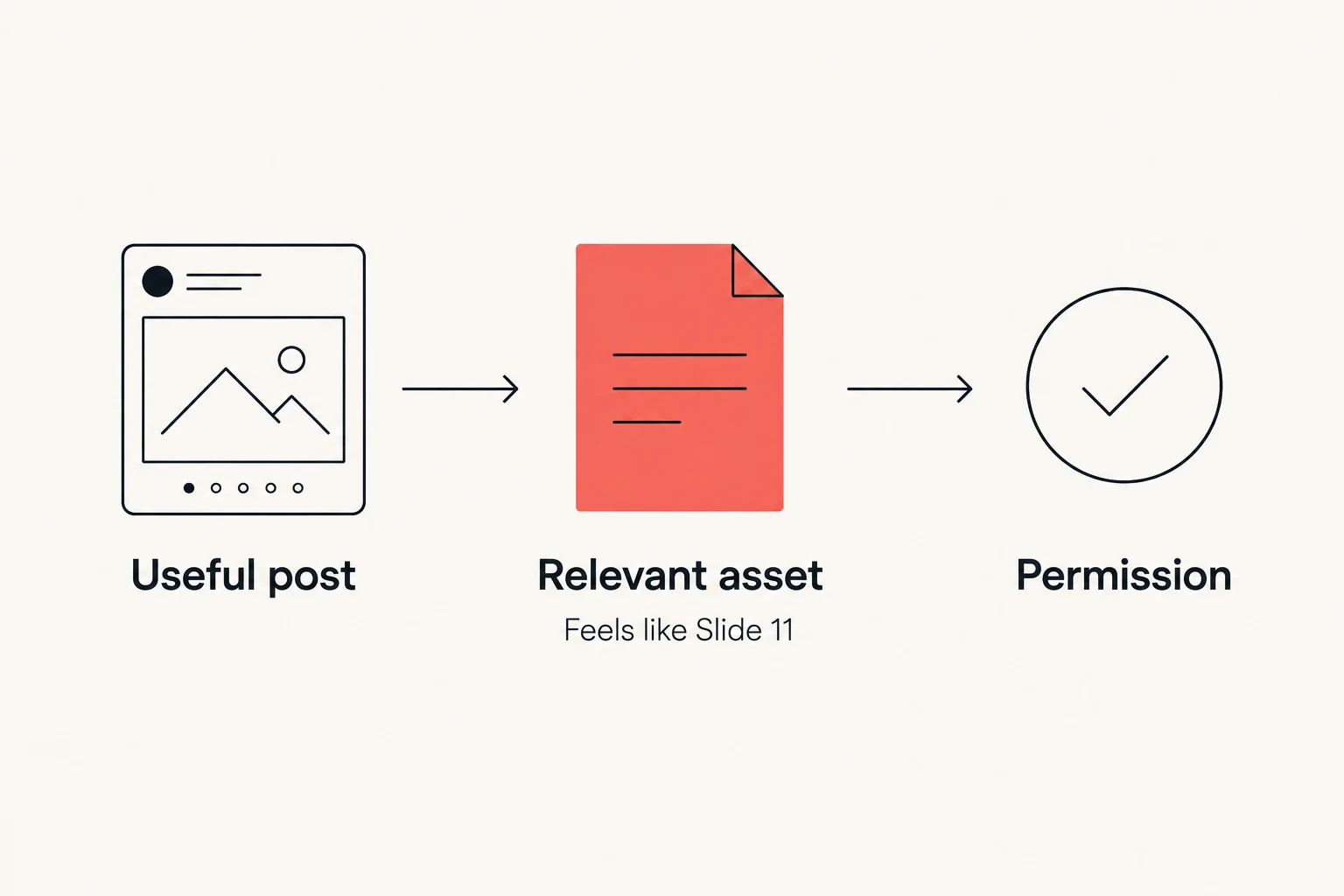
A small welcome-email review checklist could be useful here. It can ask whether the action, destination, and necessary information are visible together. Provide enough value in the post that the resource is optional.
If collecting contact information, set accurate expectations and obtain the appropriate permission. There is no universal rule that every third or fifth post should lead to a download.
5. Plan a review window before publishing
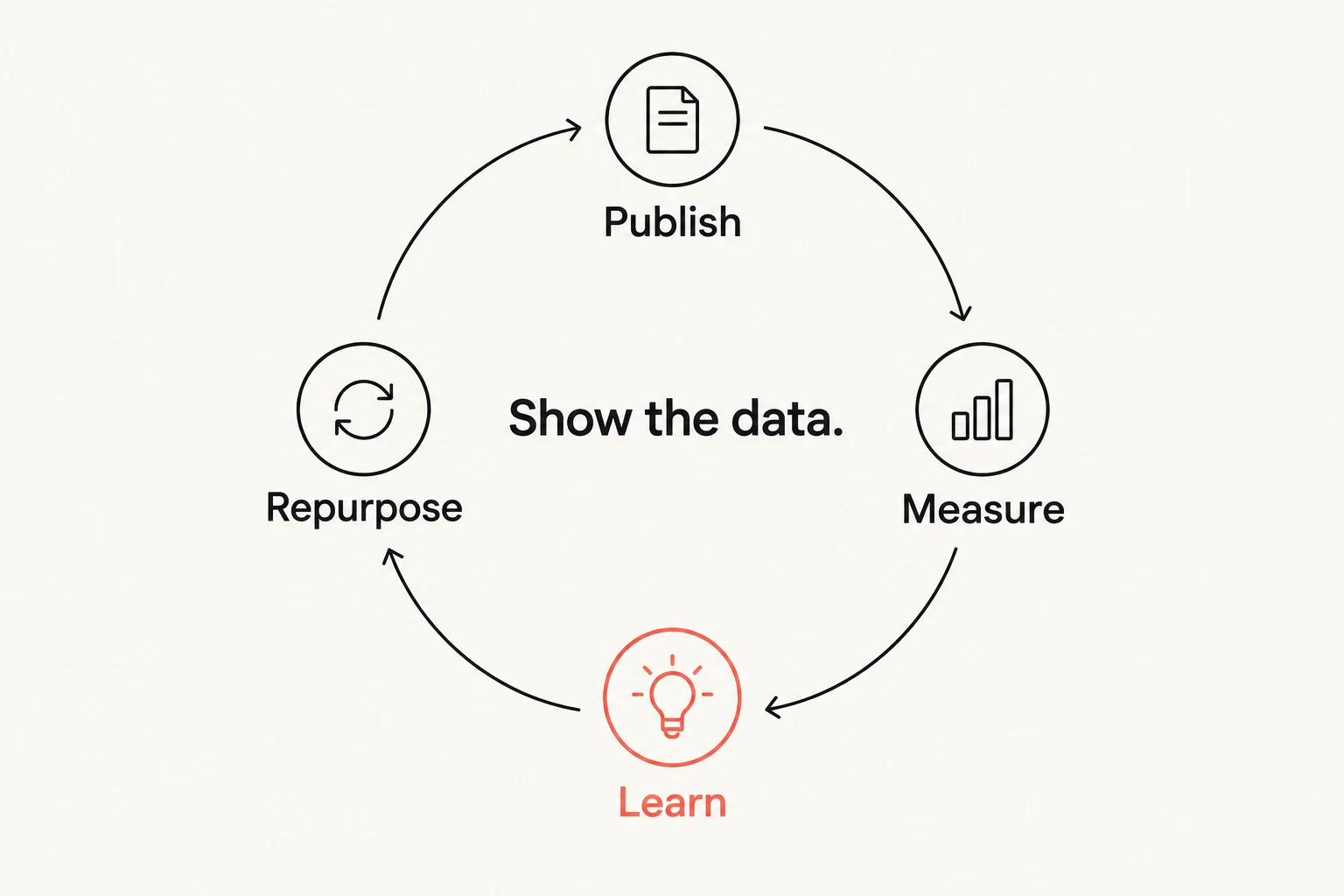
Record the goal, date, audience, and what each platform can measure. Questions about setup, visits to a relevant guide, and impressions describe different behavior. Avoid comparing unlike metrics as if they were the same result.
If a version performs differently, inspect possible reasons and label the conclusion cautiously. A comparison of a few posts is not a controlled experiment. It can still provide a useful next question.
6. Decide what deserves a follow-up
Use actual comments or unresolved explanations to choose the next piece. If no useful question appears, do not invent one to complete the calendar. A topic may be finished for now.
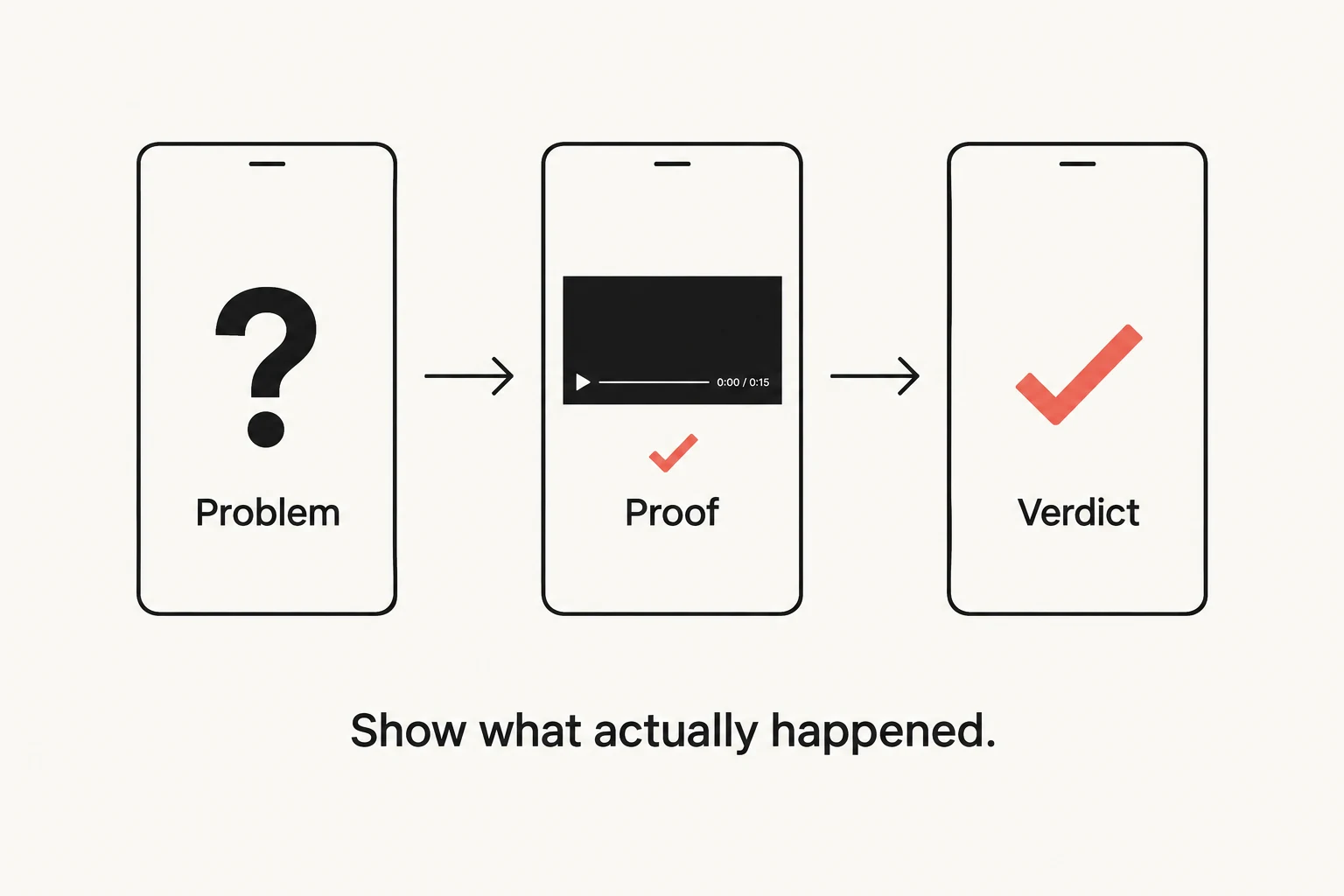
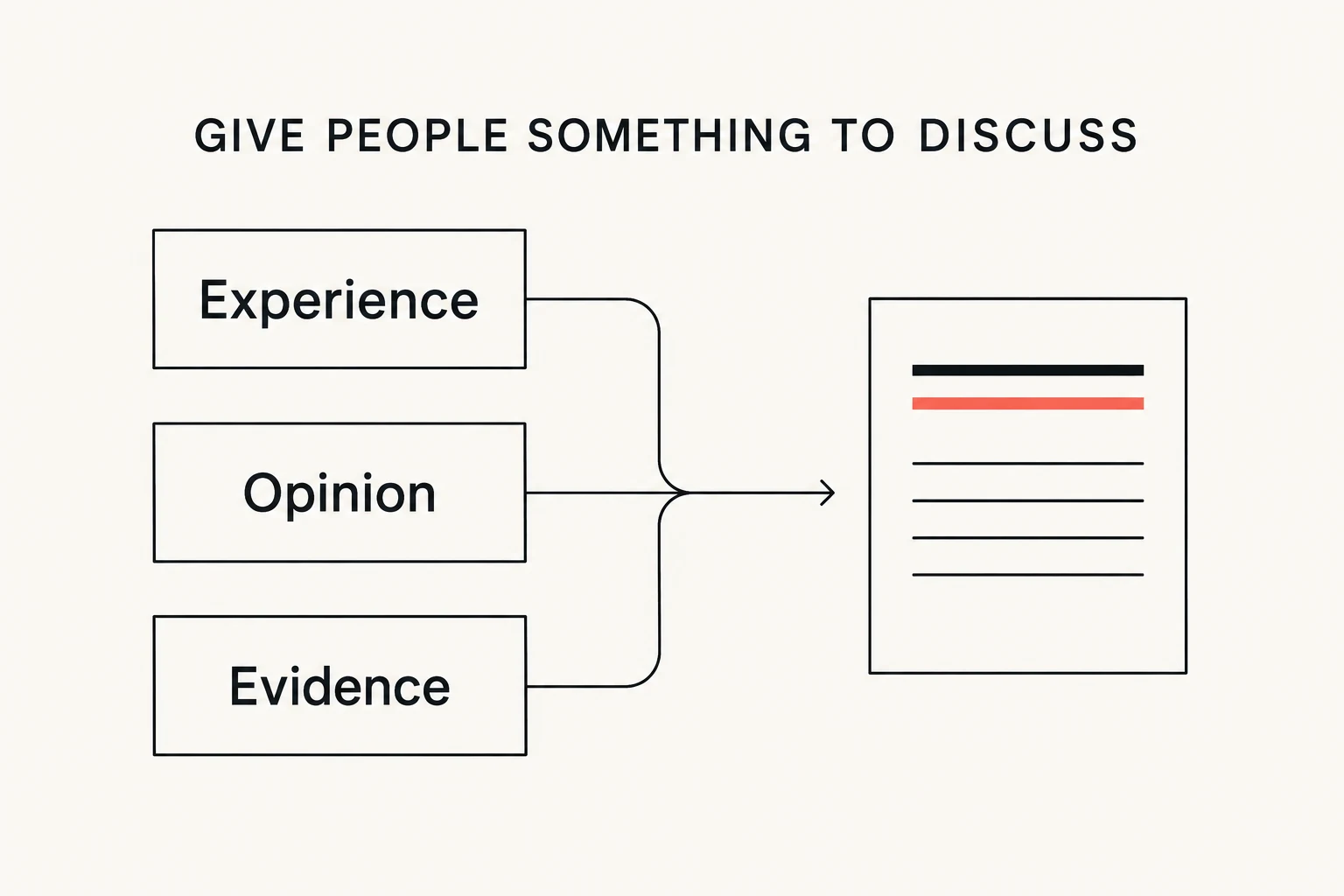
The graphics below illustrate ways to organize and adapt material; they are not records of measured results for this article. Keep the reusable source notes and the accepted drafts so the next update begins with evidence rather than a fresh request for generic November ideas.
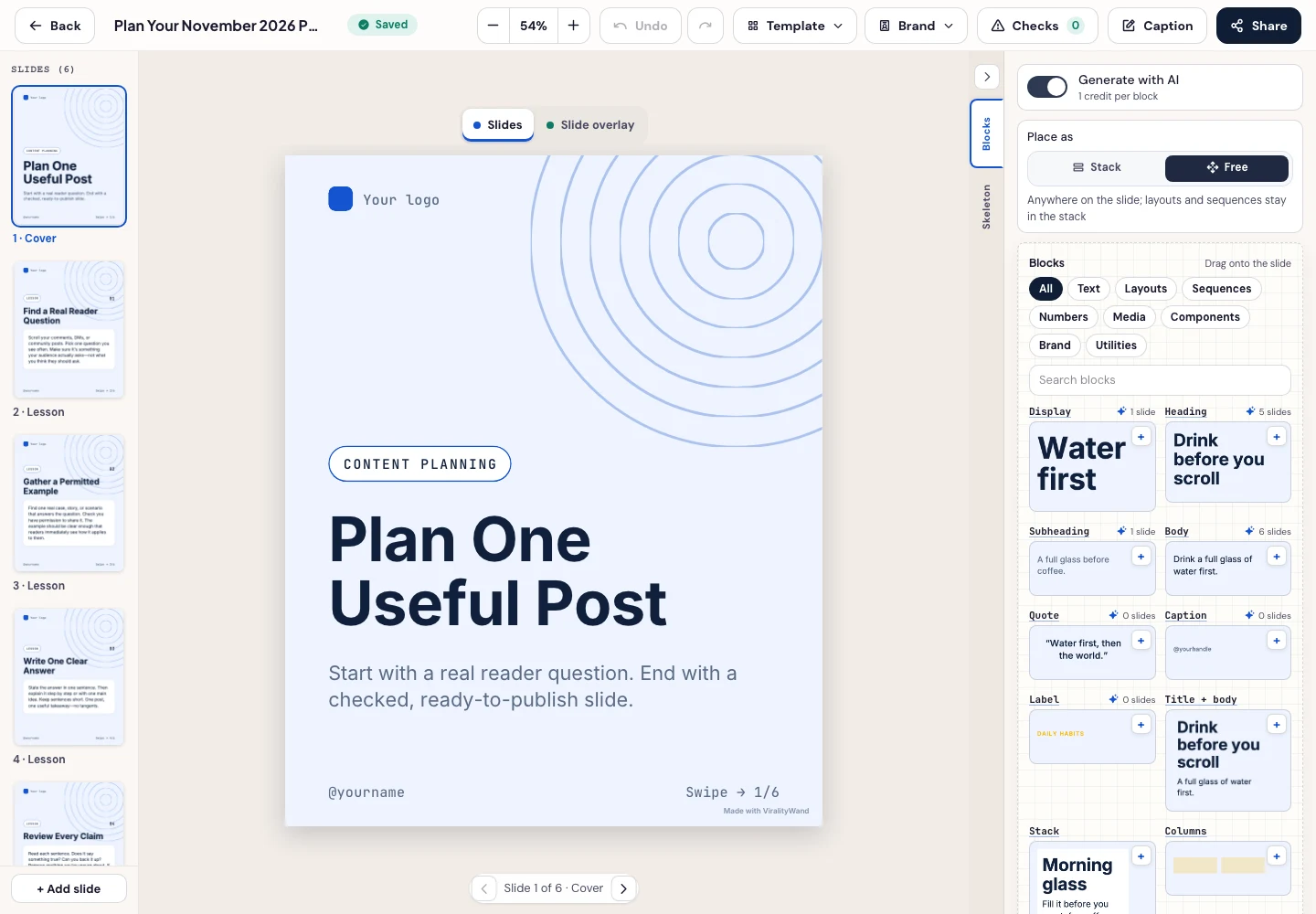
When the outline and source notes are ready, open the carousel composer with this task and add the actual material before generating. Search business templates to compare available structures. Review the wording and replace sample branding in the editor before downloading. Choose the intended output language in Writing before generating.
Further reading: LinkedIn’s update · Instagram’s originality guidance · TikTok Next 2026 · Buffer’s report · Adam Mosseri’s ranking explanation · LinkedIn’s explanation.
It feels good to have your first carousel going viral 😏
Just your idea, click-clack and voila! ViralityWand made just for that